M6 iMac or M6 Mac mini for a music studio: which to buy in 2026
Same base chip, two different ideas. For a music studio, ports, screen and placement matter more than raw power.
- The 24-inch M6 iMac has been on sale since 6 November 2026, from $1,499 (10-core, two ports) and $1,699 (12-core, four ports).
- The M6 Mac mini came out on 22 September 2026 from $899; the M5 Pro version starts at $1,699 and has Thunderbolt 5.
- In a studio, the Mac mini lets you choose screen, placement and noise; the iMac is simpler but locks you into its layout.
- For mixing and mastering, memory matters more than cores: prefer more RAM over more CPU.
Every time Apple launches a new Mac, people who make music ask the same thing: do I really need it, and which one should I get? On 27 October 2026 the M6 iMac arrived, skipping the M5 generation entirely. A few weeks earlier the new Mac mini had come out. Same base chip, two completely different ideas. In this article I compare them with producers, mix and mastering engineers in mind, not people who browse the web or edit video.
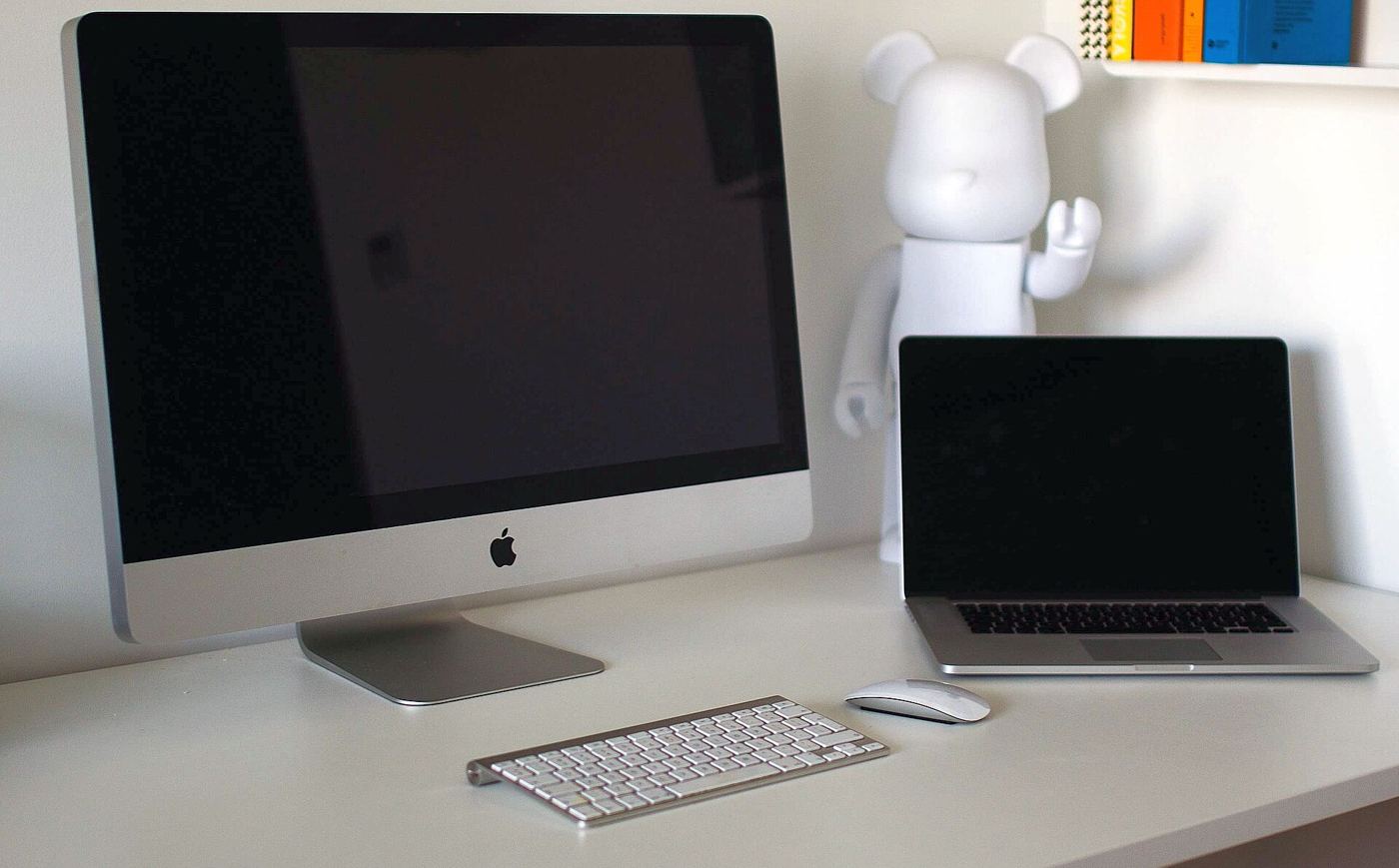
What is new in the iMac
The design is unchanged: 24 inches, seven colours, the usual thin profile. The news is inside.
M6 chip. Available with a 10- or 12-core CPU depending on the model.
Wi-Fi 7. Thanks to Apple’s own N1 connectivity chip.
Faster SSDs. Useful when you work with heavy sample libraries, virtual orchestras and multichannel drums.
2.5 Gb Ethernet. As an option, on the port built into the power adapter.
US prices start at $1,499 for the two-port model and $1,699 for the four-port model.
The comparison
| M6 iMac | M6 Mac mini | M5 Pro Mac mini | |
|---|---|---|---|
| Starting price | $1,499 / $1,699 | $899 | $1,699 |
| Release | 6 November 2026 | 22 September 2026 | 22 September 2026 |
| Screen | built-in 24-inch | buy separately | buy separately |
| Ports | 2 or 4 | 3 Thunderbolt 4 | 3 Thunderbolt 5 |
| Desk footprint | large | minimal | minimal |
| Upgrading the screen | impossible | free choice | free choice |
What really matters in a studio
1. Screen placement. This is the point almost nobody considers. Between the two monitors you want the listening triangle: you and the two speakers at the corners of an equilateral triangle. A big screen right in the middle, at mid height, reflects the speakers’ sound back towards your ears. Those reflections arrive a few milliseconds after the direct sound and create cancellations at certain frequencies, known as comb filtering. The result: a less precise stereo image and some frequencies heard wrongly. With a Mac mini you pick a screen and put it wherever you want, lower, further back or angled.
2. Ports. In a studio they fill up fast: audio interface, library drive, project drive, MIDI controllers, keyboard, licence dongle. The two-port iMac is tight for a studio; if you go iMac, get the four-port model. If you use Thunderbolt interfaces such as the Audient Horizon, always check compatibility and the Thunderbolt version.
3. Memory. For sessions with many tracks, virtual instruments and heavy plug-ins, RAM matters more than cores. A mix with 80 tracks and a few convolution reverbs runs better on a model with more memory than on one with a faster CPU and less RAM. Mac memory cannot be upgraded later: choose it when you buy.
4. Silence. In a listening room every fan can be heard. Keep the computer away from the listening position, ideally even outside the room with long cables. With a Mac mini that is easy; with an iMac the computer is necessarily in front of you.
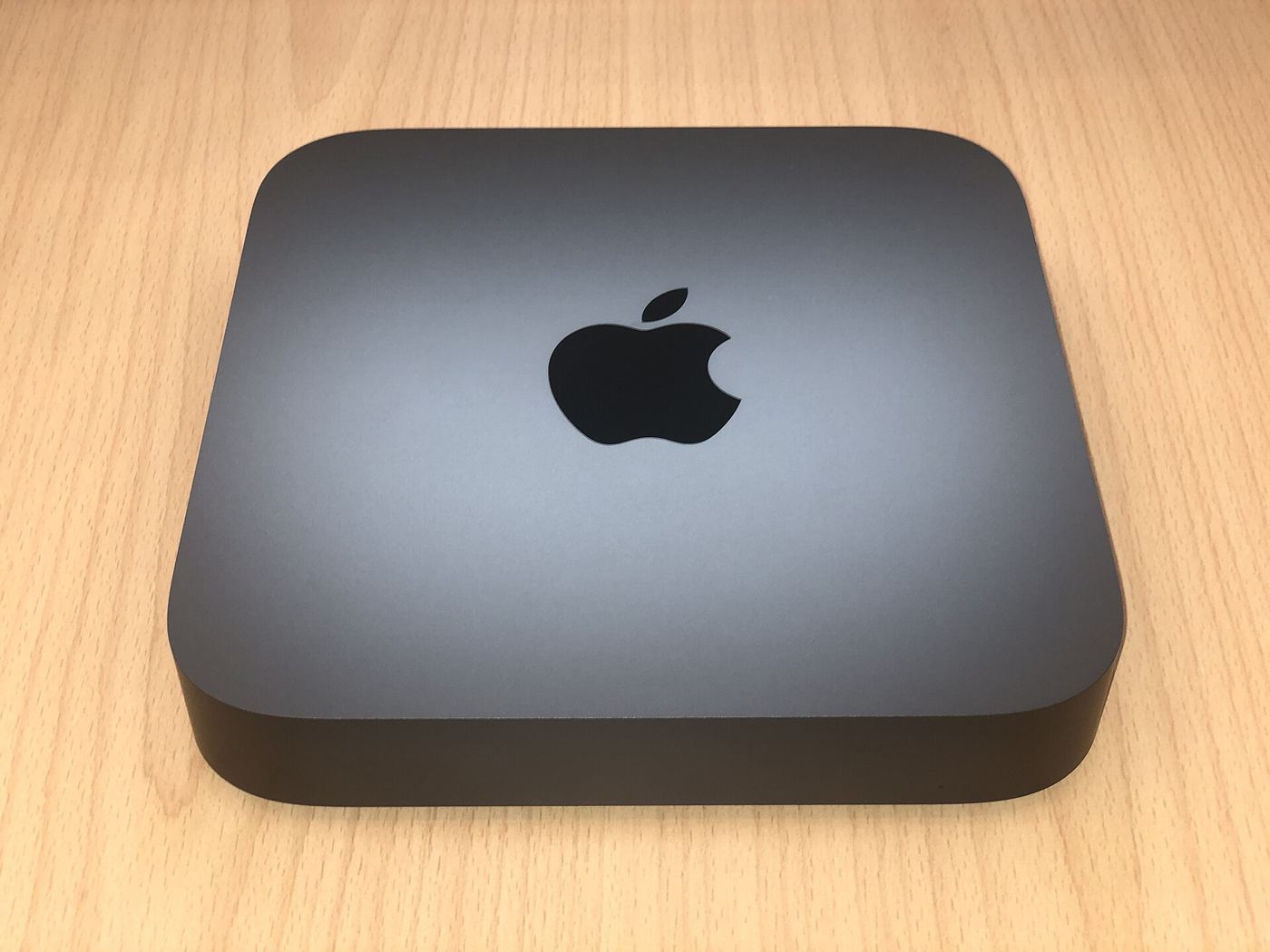
The right studio computer is the one you neither hear nor see while you listen.
Which one I would pick, profile by profile
Beginners producing in a bedroom. An M6 Mac mini with as much RAM as possible and an affordable screen. The price difference from the iMac goes into a good pair of monitors or acoustic panels: that is where you hear the difference on the record.
Mix and mastering engineers. A Mac mini, possibly the M5 Pro if you use Thunderbolt 5 interfaces or very heavy projects. Put the screen outside the triangle or low, and the computer away from the listening spot.
People who want a simple setup, also for non-music work. The four-port iMac is fine, as long as you sort out the speakers’ position relative to the screen.
People who work on the move. Neither: then it is a MacBook, which I discuss in the article on the M6 MacBook Pro.
The most common mistakes when buying a Mac for music
Spending everything on CPU. For audio, memory and stability matter more.
Too little internal storage. Libraries grow, and so do projects. A fast external drive is fine, but the system needs room to breathe.
Updating the operating system on day one. First check that your interface, plug-ins and DAW are compatible. In a studio, stability beats novelty.
Forgetting the room. The best computer in the world will not fix a room that booms. More in the article on home studio budget.
Frequently asked questions
Is the M6 much faster than the M5 for audio? For most mixing projects the difference is small. Memory matters more.
Can I use the iMac as a screen for another computer? No, treat it as an all-in-one computer.
Do I need Thunderbolt 5? Only with interfaces and drives that use it. For most USB or Thunderbolt 3 and 4 interfaces nothing changes.
My pick for anyone who mixes and masters is still the Mac mini, with as much RAM as you can afford, and the money saved on the screen spent on monitors and acoustic treatment.