UA Volt Gen 2 and Volt Max: new USB interfaces with compressors on board
Six new bus-powered USB interfaces with three-character preamps and, on the Max models, zero-latency compression while you record.
- Volt Gen 2 and Volt Max have been available since 1 October 2026, from $149.
- All of them have 32-bit/192 kHz conversion and Tone Shaping preamps with three modes: Warmth, Focus and Shine.
- The Max models add six compression presets inspired by the 1176, LA-2A and VCA compressors, with no latency.
- LUNA 3.0 arrived alongside, with LUNA Play, a simplified view for writing and recording.
The audio interface is the first real purchase for anyone who starts recording: it is the bridge between the microphone and the computer, and its quality shows on every track. Universal Audio has renewed its most affordable line, the Volts, with six new bus-powered USB models. The most interesting news is not the conversion but the fact that the Max models let you compress on the way in, at the touch of a button, with no latency.
In this article we look at the models, what changes in the sound and, above all, when compressing while recording is a good idea and when it is not, because it is a decision you cannot undo.
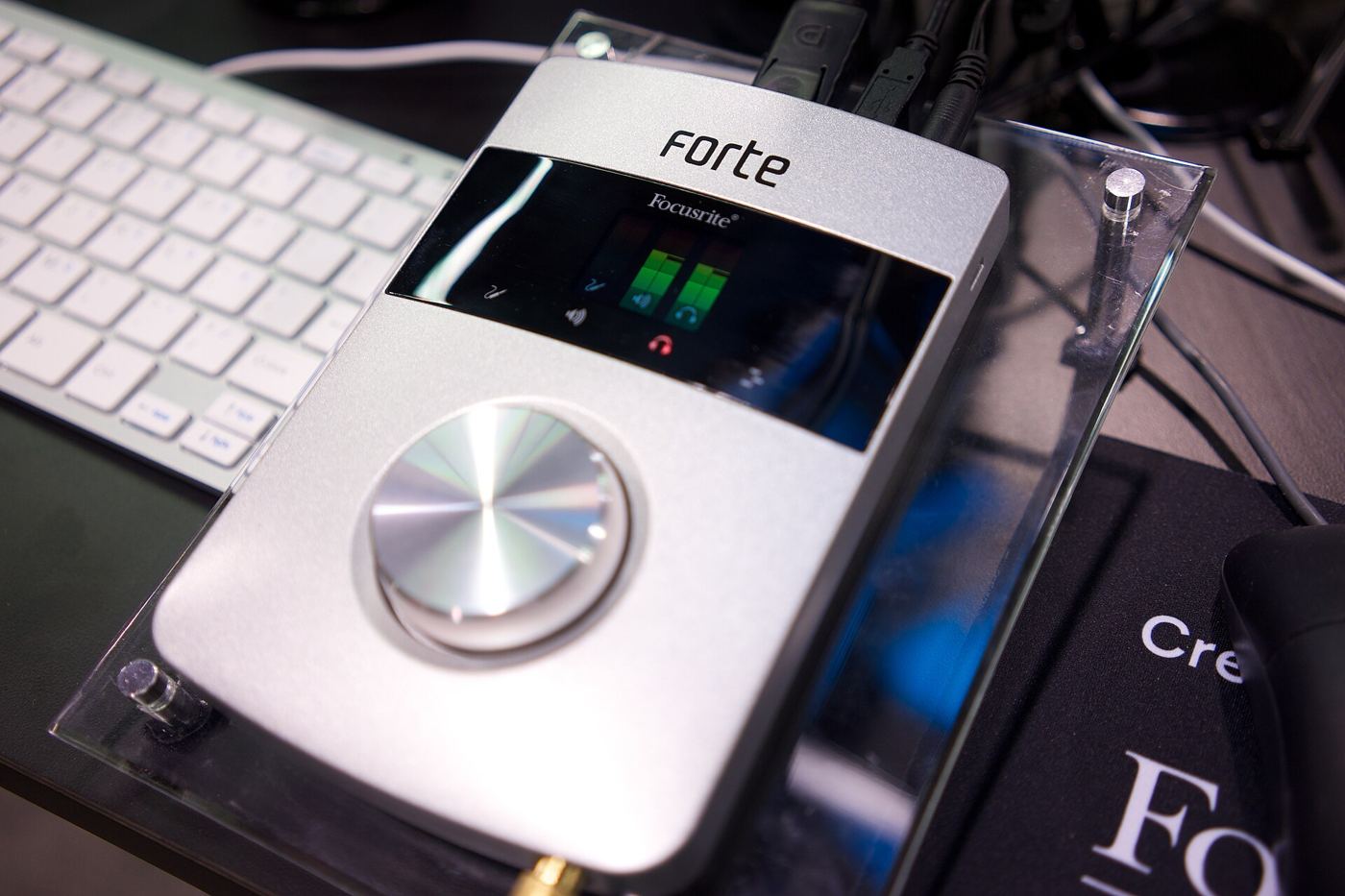
The models
| Model | What it adds |
|---|---|
| Volt 1 Gen 2 | the base model, no display or Auto-Gain |
| Volt 2 Max | Max processing |
| Volt 4 Gen 2 | ADAT optical input |
| Volt 4 Max | Max processing and ADAT |
| Volt 4P Max | Max processing |
UA speaks of six models; the press release names five. All except the Volt 1 have Auto-Gain, Clip Protection and a display with gain-reduction metering. MIDI, a talkback mic and speaker switching are on selected models.
What is new, explained
32-bit/192 kHz conversion. More room between the noise floor and the loudest signal. In practice you can record at cautious levels without worrying about hiss.
Tone Shaping. The preamp has three characters: Warmth recalls tubes, Focus solid state, Shine British Class A. They are light colours, useful to get closer to the sound in your head while tracking.
Auto-Gain and Clip Protection. The interface listens to a few seconds of performance and sets the gain; the protection prevents digital clipping on sudden peaks. A real help if you record yourself.
Max. Six one-touch dynamics presets inspired by the 1176, LA-2A and VCA compressors, in real time with no added latency.
ADAT. On the 4 Gen 2 and 4 Max you can add up to eight inputs with an external preamp. Useful if one day you want to record a drum kit.
Compress while recording: yes or no?
This is the real question. Compressing on the way in has two benefits: the singer feels more “finished” in the headphones and so performs better, and the track arrives more controlled. But there is a catch: what you print cannot be removed.
When it makes sense. If you mix it yourself, if you know your voice and the compressor well, if you want a decisive sound from the start. A fast 1176 on an aggressive rap vocal, for example.
When to avoid it. If you send the tracks to a mix engineer, if the performance is very dynamic (a ballad), if you are unsure of the setting. In those cases keep compression light, 2-3 dB on the peaks at most, or use it on the monitor path only.
Compression on the way in helps the performer. In the mix, what you did not print can always be added.
The right recording level
With modern conversion you do not need to record “hot”. The advice I give everyone:
- vocal peaks between -12 and -6 dBFS;
- average between -20 and -18 dBFS;
- at least 6 dB of headroom on the loudest peaks, so a shout or a hit does not clip.
A clean, dynamic file gives me far more options than a squashed one. More in the guide to gain staging.
Volt or something more?
The Volts are aimed at beginners or people who mainly record vocals plus one or two instruments. If you need more high-quality inputs, higher-end conversion or Thunderbolt, look at the Audient Horizon. But remember that at this level, the room, the mic and the performance make far more difference on the finished song.
Frequently asked questions
Do I need LUNA to use them? No, they work with any DAW. LUNA lets you control them directly.
Does the Max compression end up in the recording? Yes, it is applied on the way in. That is why it needs to be used with care.
How much latency is there? The Max processing adds no latency.