Headphone correction: IK ARC ON•EAR vs Sonarworks SoundID Reference
One is a box you keep in your pocket, the other software running on your computer. They do the same job in different ways.
- ARC ON•EAR is a DAC and headphone amp with built-in correction: 250+ profiles, list price $249.99.
- SoundID Reference for Headphones is software: a system-wide app and a plug-in, 500+ headphone models, €99.
- ARC has speaker simulation in the box; Sonarworks sells it as an add-on, Virtual Monitoring.
- Neither turns headphones into monitors: they tell you the truth about what you are hearing.
More and more people mix on headphones. By choice, because headphones isolate you and reveal every detail, or by necessity, because in a flat you cannot turn up the speakers at eleven at night. The problem is that no headphone is flat: each pair has its own peaks and dips. Mix without knowing them and you end up correcting the song instead of the headphones, and a mix that sounded perfect on headphones sounds unbalanced in the car.
That is what correction is for: it measures how a headphone model sounds and applies an inverse EQ, so what you hear gets closer to a neutral response. Today there are two main approaches: hardware, with IK Multimedia ARC ON•EAR, and software, with Sonarworks SoundID Reference. Here is how they compare.
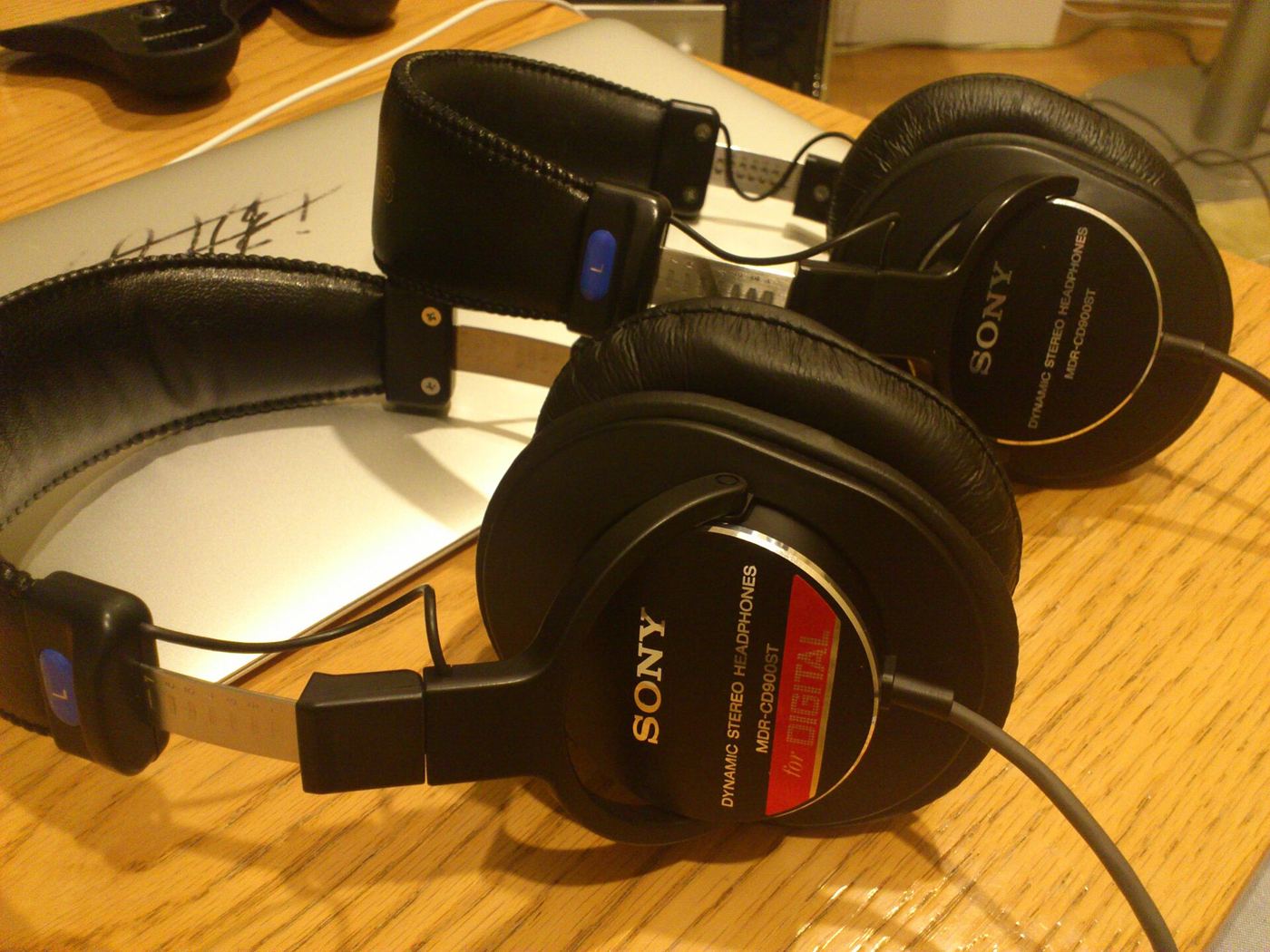
Why headphones are not flat
Headphones are designed to please, not only to be accurate. Many models lift the bass a little to sound fuller and the treble to sound more detailed. Studio headphones have irregularities too, often in the 2-10 kHz area, where the ear is most sensitive and where vocals, presence and sibilance live.
There is a second, subtler issue: on headphones each ear only hears its own channel. With speakers, both ears hear both speakers. That is why stereo sounds wider on headphones and centred sounds feel “inside your head”. Some correction systems also include a speaker simulation that recreates this crossfeed.
The comparison
| ARC ON•EAR | SoundID Reference for Headphones | |
|---|---|---|
| Type | hardware: DAC and amp | software: app and plug-in |
| Headphone profiles | 250+ | 500+ |
| Speaker simulation | included (Studio Simulation) | Virtual Monitoring, sold separately |
| Works without a computer | yes, even from a phone | no |
| Price | $249.99 | €99 |
ARC ON•EAR in detail
It is a small box that sits between the source and the headphones. Inside are ESS SABRE 32-bit converters and a 200 mW amp, with USB-C and analogue inputs. You can store five presets and use it with a computer, a tablet or a phone.
Its strong point is that the profiles are measured through the same amp circuit as the box, so the correction also accounts for how that headphone model behaves with that amplifier. Version 1.3 in March 2026 expanded the profile database.
Studio Simulation recreates listening on speakers in a room, with crossfeed between the channels: it helps you judge stereo width and vocal placement better.
SoundID Reference in detail
It is software. It works in two ways: as a system-wide app, so it corrects everything you play on the computer, Spotify and YouTube included, and as a plug-in on your DAW output.
It offers zero-latency and linear-phase modes and lets you choose a target curve: you can start from neutral and add a little bass if your personal reference needs it. The database covers more than 500 headphone models. The speaker simulation, Virtual Monitoring, is sold separately.
How to use correction the right way
Remember to switch it off. With the plug-in it is easy to leave it on the output while you export, and the final file comes out with the correction EQ printed on it. With hardware the problem does not exist: the correction is outside the computer.
Get used to it before deciding. Corrected headphones at first sound “poorer”: less bass, less sparkle. Listen to songs you know well for a few days before mixing.
Compare with reference tracks. Correction makes comparison more reliable. More in the article on reference tracks.
Always check on another system. Small speakers, the car, earbuds. Correction reduces surprises, it does not remove them.
Correction does not turn headphones into monitors. It tells you the truth about what you are hearing.
Which one I would pick
If you mix on a desktop and want to spend less: SoundID Reference. Great value, and system-wide correction is very handy for listening to references on Spotify too.
If you work on the move, from a laptop, a tablet or on a train: ARC ON•EAR. The correction travels with your headphones, works with any source, and you never have to remember to bypass a plug-in before exporting.
If you only mix on headphones: in both cases add speaker simulation. It helps you avoid overdoing stereo width.
Frequently asked questions
Do they work with any headphones? With the models in the database. Check that yours are listed before you buy.
Are they useful with high-end studio headphones? Yes: even the best have irregularities, and correction makes your listening closer to other studios’.
Can I use them for speakers? No, these versions are for headphones. Speakers need systems that measure the room.
Either way, check on at least one other system before you deliver. I wrote a guide to mixing on headphones without surprises.